

Choose between weather APIs and a ready-to-use dashboard
MetGIS offers high-resolution forecasts for outdoor, ski and mountain users and businesses. Its English website explains the weather APIs and MetGIS Pro+ dashboard, with clear routes to product details.
At a glance
- Distinct API and dashboard pages
- Weather maps show the product
- Product discovery on mobile
- Sector
- Weather data and forecasting
- Scope
- Website design · Product pages · Mobile layouts
- Engagement
- Website presentation
01 / The brief
Explain two ways to access weather data
Austria-based MetGIS provides high-resolution weather forecasts, APIs and the MetGIS Pro app. Its audiences include outdoor, ski and mountain users, alongside businesses that need weather information.
The website needs to explain the difference between data for integration into applications and a ready-to-use dashboard. It also needs to make technical features understandable to visitors who are not weather experts.
02 / Our solution
Put product choices and practical uses first
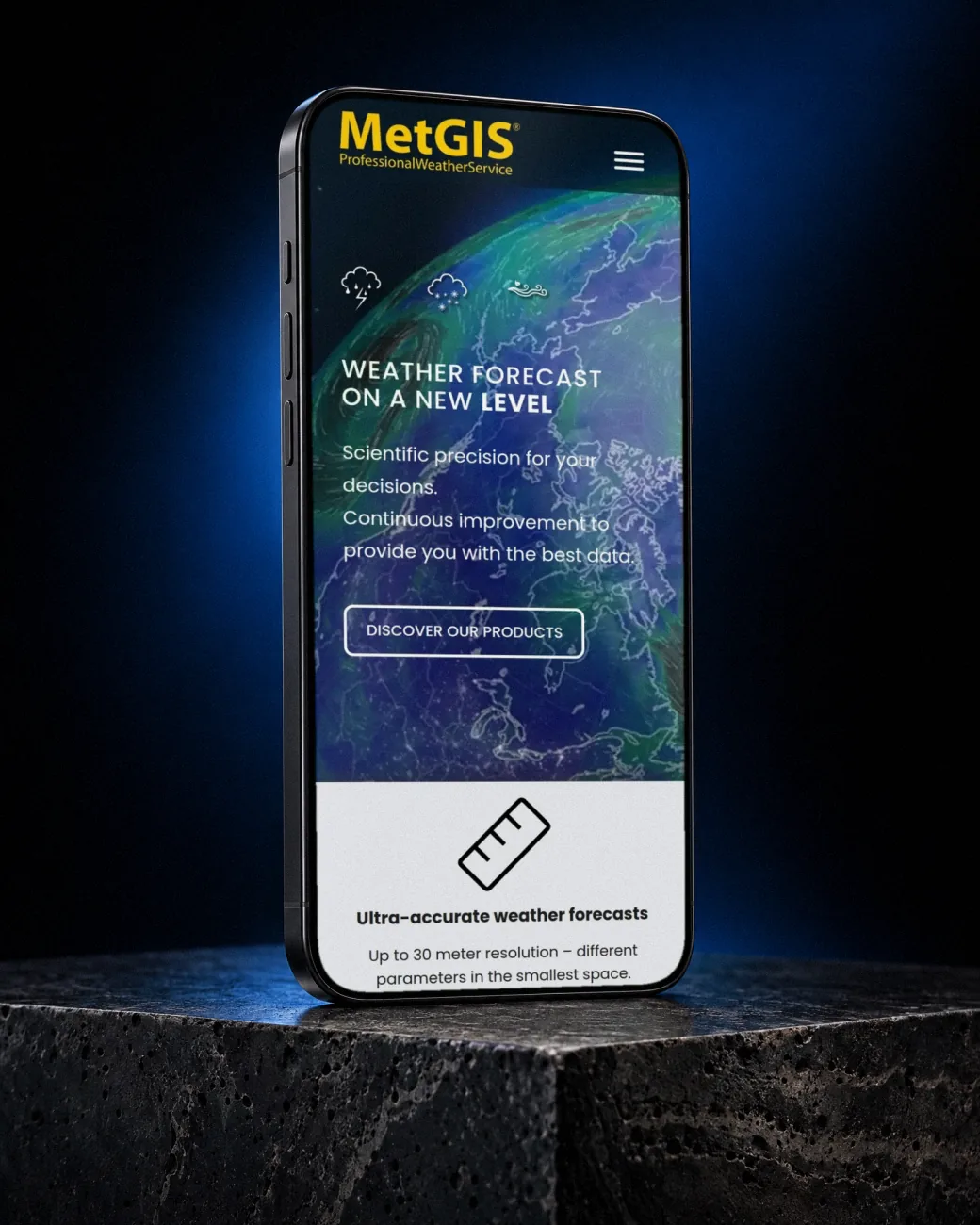
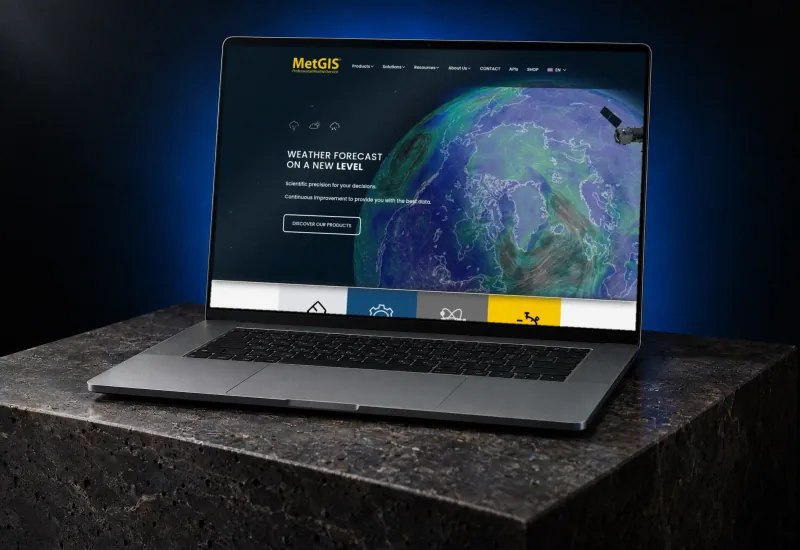
The homepage pairs a globe showing weather patterns with a prominent product discovery button. Below it, illustrated panels introduce forecast resolution, APIs and the scientific basis of the data. A terrain map shows how forecasts relate to mountain landscapes.
Dedicated API and Pro+ pages use a consistent structure: a visual introduction, explanatory copy, a blue feature panel and a contact button. Product sections then add detail through code examples, device images and weather maps.
Make API options understandable
The API page explains integration and data formats, then introduces Point and Maps products with code and map imagery.
Show the dashboard in context
The Pro+ page uses mountain maps and an interface preview to illustrate zoomable forecasts and 3D visualisation.
Keep the mobile entry point clear
The mobile homepage places the menu, forecast message and product discovery button over the globe image in a single-column layout.
03 / The result
A clear route from overview to product detail
Visitors can distinguish APIs for their own applications from the ready-to-use Pro+ dashboard. Product explanations, map previews and contact buttons make the next step clear.
04 / Gallery
Take a closer look.
Click any preview to view it in higher resolution. Longer pages scroll by themselves when you hover over them.